Midjourney’s AI Video Generator: A Game-Changer for Small Business Marketing
Quick Summary
Midjourney has launched its V1 Video Model, allowing users to transform static images into 5-second animated clips—extendable up to 21 seconds. This tool is designed for creators, marketers, and small businesses, offering an affordable way to produce engaging video content without expensive production costs. Key features include:
- Image-to-video generation (Midjourney-made or uploaded images)
- Low/High Motion settings for subtle or dynamic movement
- Manual & Auto animation modes for customization
- 480p resolution, optimized for social media
- Cost-efficient pricing (~8x an image job, but 25x cheaper than competitors)
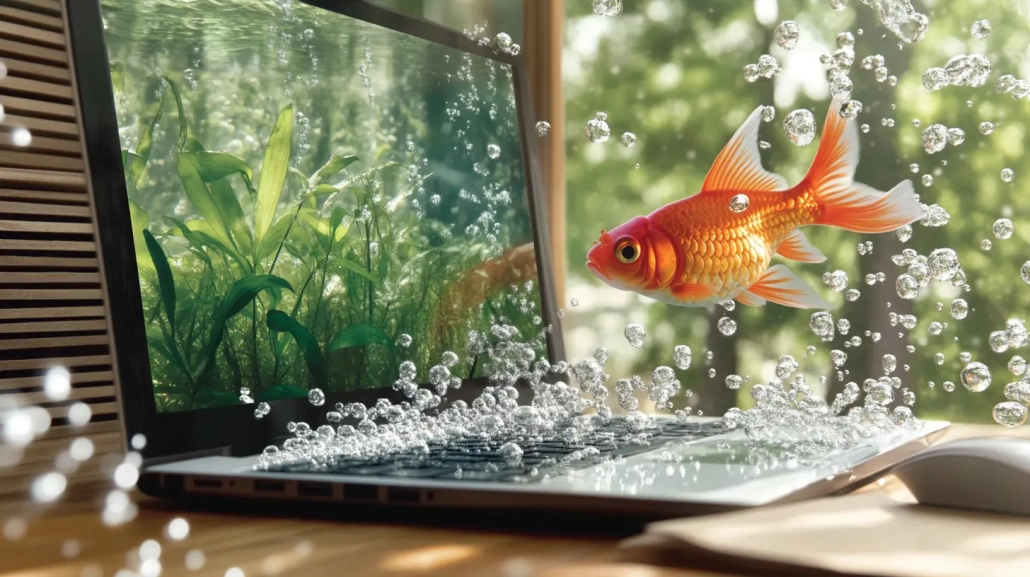
I’ve done some experimenting with Midjourney video generation and am really excited about the opportunities it presents for business owners. Take a look at the following example. I started by generating the static image, and then used that as the first frame to generate a full video – the results are amazing.
Here is the static image that I generated first:
And here is the automatically generated video:
Now, let’s dive deeper (did you see what I did there? Haha!) into how this works and how small businesses can leverage it.
How Midjourney’s AI Video Generator Works
1. Image-to-Video Workflow
Midjourney’s video model animates still images—either generated within Midjourney or uploaded externally. The process is simple:
- Upload or select an image (e.g., a product photo, logo, or branded graphic).
- Click “Animate”—choose Auto (AI generates motion) or Manual (describe movement in text).
- Adjust motion settings (Low for subtle movement, High for dynamic action).
- Extend the video in 4-second increments (up to 21 seconds total)
2. Motion & Customisation Options
- Low Motion: Best for ambient scenes (e.g., slow product reveals, subtle animations).
- High Motion: Ideal for dynamic ads (e.g., rotating products, moving backgrounds).
- Manual Mode: Lets businesses describe exact movements (e.g., “Pan left to reveal pricing”).
- –raw parameter: Reduces AI’s creative flair for more controlled outputs.
Small Business Marketing Applications
1. Social Media Ads & Short-Form Content
- Instagram/TikTok Ads: Create eye-catching product animations without hiring animators.
- Thumbnails & Teasers: Animate stills for YouTube thumbnails or story teasers.
- Behind-the-Scenes Clips: Showcase products in motion (e.g., rotating jewelry, unfolding packaging) 911.
2. Product Demos & Explainer Videos
- E-commerce Stores: Animate product images to highlight features (e.g., a shoe’s sole flexing).
- Service-Based Businesses: Use simple motion to explain processes (e.g., a cleaning service’s before/after).
- Real Estate: Add subtle movement to property photos (e.g., flickering fireplace, swaying curtains).
3. Email & Website Engagement
- Animated Email Headers: Boost open rates with moving visuals.
- Website Banners: Replace static images with looping animations.
- Interactive Landing Pages: Use short clips to guide user attention.
4. Low-Cost Branded Content
- Logo Animations: Bring logos to life (e.g., floating particles, gentle rotations).
- Event Promotions: Animate posters for digital invites or social promos.
- UGC (User-Generated Content): Let customers submit images, then animate them for campaigns.
FAQs & How-To Guide
Can I use my own images?
Yes! Upload any image via Midjourney’s website, then mark it as a “Starting Frame”.
How long can videos be?
Start with 5 seconds, extend up to 21 seconds (four 4-second extensions).
Does it include sound?
No—audio must be added separately in editing software.
What’s the best motion setting for ads?
Low Motion: Professional, subtle (e.g., slow zooms).
High Motion: Energetic (e.g., fast transitions) but may glitch.
How do I optimise for social media?
Use the “Save for Social Media” feature to reduce compression issues.
Final Thoughts
Midjourney’s video tool is a budget-friendly solution for small businesses needing quick, engaging video content. While it lacks advanced editing (like sound or transitions), its ease of use and affordability make it ideal for:
✔ Social media marketers
✔ E-commerce brands
✔ Local businesses
✔ Content creators
As Midjourney refines the tech (potentially adding 3D and real-time generation), this could become a must-have tool for digital marketing.
